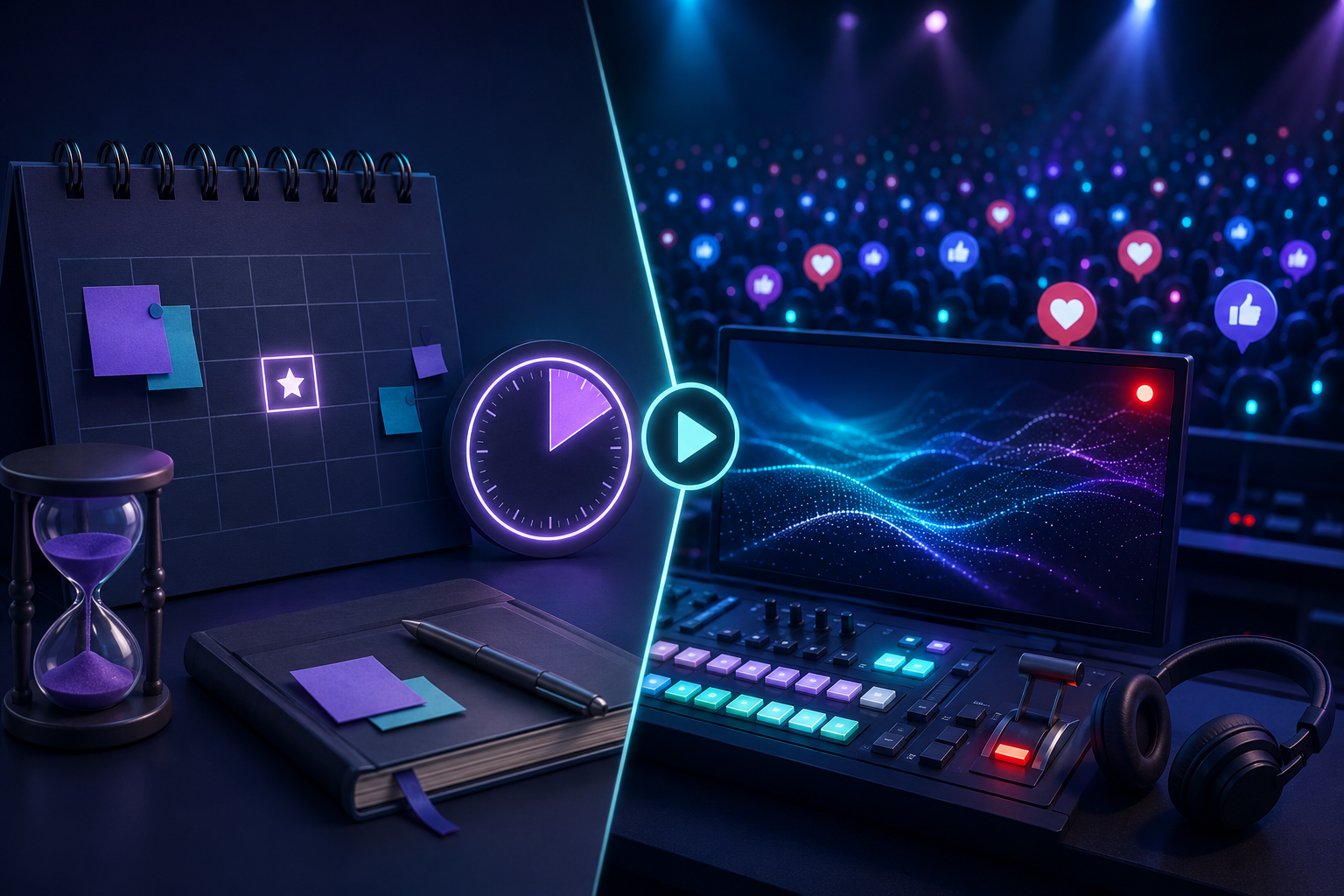

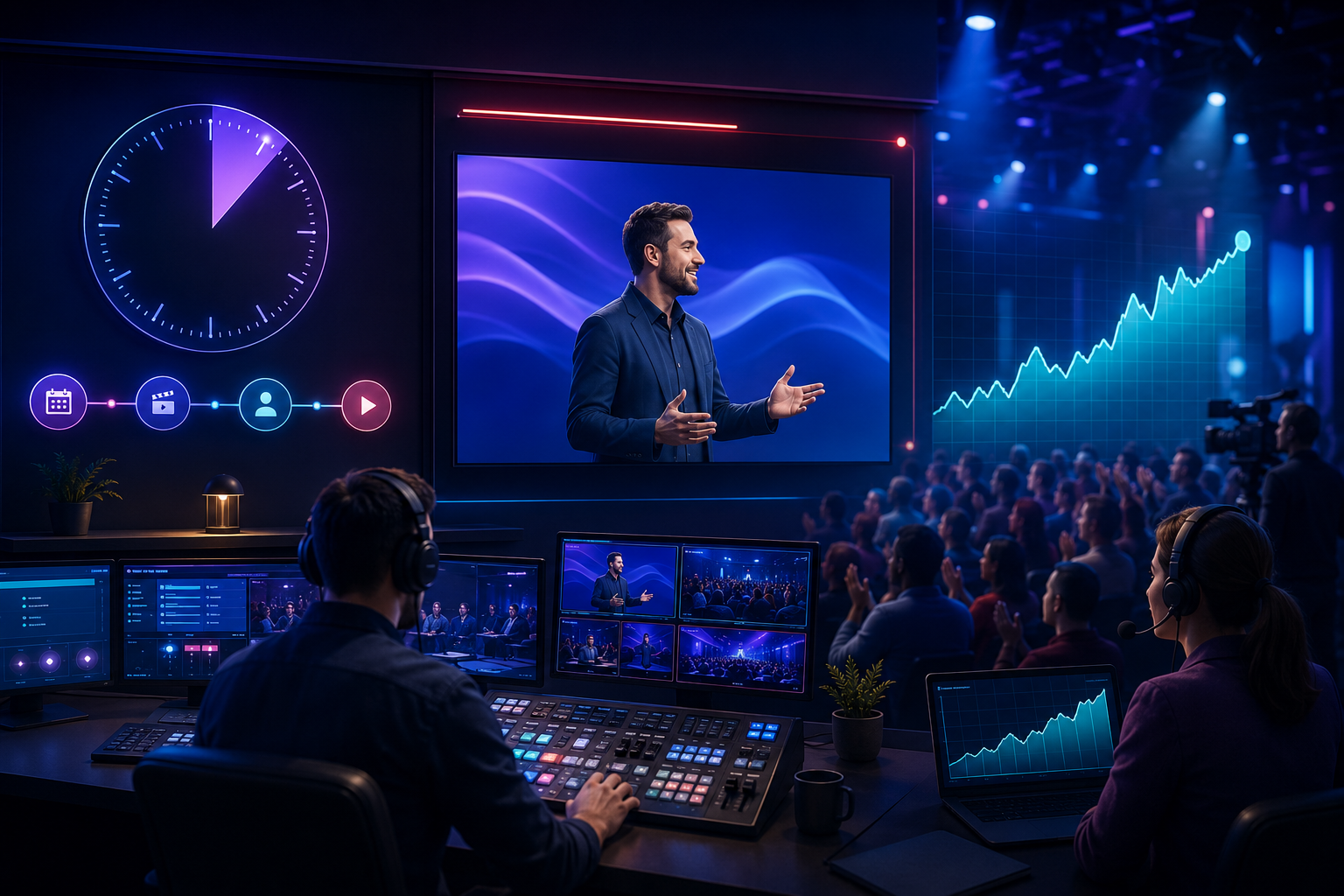
A scheduled Premiere and a live stream may look similar to viewers because both create a shared moment around a video. Operationally, however, they require different preparation. A Premiere centers on a finished video released at a fixed time, while a live stream depends on real-time production, audience continuity, and technical stability. Treating them as distinct formats makes promotion easier to plan and results easier to measure.
Understand the Two Audience Phases
Event-based video has a pre-event phase and an active-viewing phase. Before the start, the goal is to make the event page discoverable, give interested viewers time to set a reminder, and create a clear reason to return. After the start, the priority changes to keeping the broadcast useful, responsive, and technically reliable.
For a scheduled release, pre-premiere YouTube views relate specifically to the waiting period immediately before the event. This type of campaign must be booked and timed accurately because the public event URL, date, start time, and time zone all matter. It should complement announcements to subscribers, email contacts, social followers, and relevant communities rather than replace them.
During an active broadcast, YouTube live stream views address a different window. Live attendance changes throughout a broadcast as people arrive, leave, and return. Campaign expectations should therefore account for duration and delivery rather than assume that every viewer will appear at the same second. A larger public counter is not a substitute for a program that gives people a reason to stay.
Build a Timeline Before the Event
Forty-Eight to Seventy-Two Hours Before
Create the public event page early enough to test the URL and include it in every announcement. Confirm the title, description, thumbnail, category, visibility, and scheduled time. If the audience spans several countries, state the time zone clearly in supporting messages. This is also the moment to verify that any third-party delivery service has received the correct link and schedule.
Twenty-Four Hours Before
Run a complete technical rehearsal. Check the camera, microphone, lighting, encoder, upload connection, backup connection, and account permissions. For a Premiere, watch the final export from beginning to end and confirm that sound and captions are synchronized. For a live stream, prepare a standby screen and a short message that can be used if the broadcast starts late.
One Hour Before
Stop making unnecessary changes. Confirm that the event page remains public, open the moderation tools, brief collaborators, and publish one final reminder. The last hour should reduce risk, not introduce new creative experiments. A stable setup is more valuable than an untested visual improvement.
Design the Opening Minutes Carefully
Viewers make quick decisions at the beginning of an online event. Start with a clear statement of what will happen and when the main content begins. Avoid long silent countdowns unless they serve a deliberate purpose. If a holding period is necessary, use it to display useful context, introduce speakers, or explain how viewers can participate.
For live streams, assign someone to monitor audio, video quality, chat behavior, and audience questions. The presenter should not have to diagnose every problem while speaking. A moderator can identify repeated questions, remove disruptive messages, and alert the production team to technical issues before they affect the entire audience.
Keep Attention Through Structure
A simple run-of-show document can improve retention. Break the event into segments, estimate the duration of each one, and mark the moments when the host will answer questions or introduce a new topic. These transitions act as promises to the audience: people are more likely to continue watching when they understand what is coming next.
- Open with the value of the event, not a long biography.
- Change pace or visual framing at planned intervals.
- Acknowledge useful audience contributions without letting chat control the program.
- Repeat essential context for viewers who join late.
- End with one clear next action.
Measure the Event After It Ends
Do not judge success from peak concurrent viewers alone. Review total views, average concurrent viewers, peak concurrency, average watch time, retention changes, chat activity, traffic sources, and actions completed after the event. Compare these figures with the original objective: a product demonstration may be evaluated through qualified visits, while an educational broadcast may be judged by watch time and follow-up questions.
The replay deserves its own optimization pass. Update the description, add chapters where appropriate, answer unresolved questions, and create short clips that point back to the complete event. A well-organized replay can continue producing value long after the live audience has left.
Any promotional service should remain a controlled part of the wider plan. Creators should review current YouTube policies, avoid claims of guaranteed ranking or monetization, and protect the accuracy of their analytics. Strong event performance still depends on precise scheduling, useful content, reliable production, and communication that gives real viewers a reason to arrive on time.